March 26, 2026
OpenClaw skills: how they work and which ones actually matter
A practical walkthrough of OpenClaw skills — what they are, how to build one, and the 10 I install on every fresh OpenClaw instance.
TL;DR
- An OpenClaw skill is a manifest + implementation; the agent decides when to call it.
- The skills hub, awesome-openclaw skills repo, and direct GitHub installs are your three sources.
- Install
web-search,gmail,slack,linear, andbrowser-usebefore anything else. - Write custom skills when the registry has nothing close; schema strictness and error messages decide if an agent can actually use yours.
- Avoid write-path skills without guardrails and anything that wraps another LLM.
What an OpenClaw skill actually is
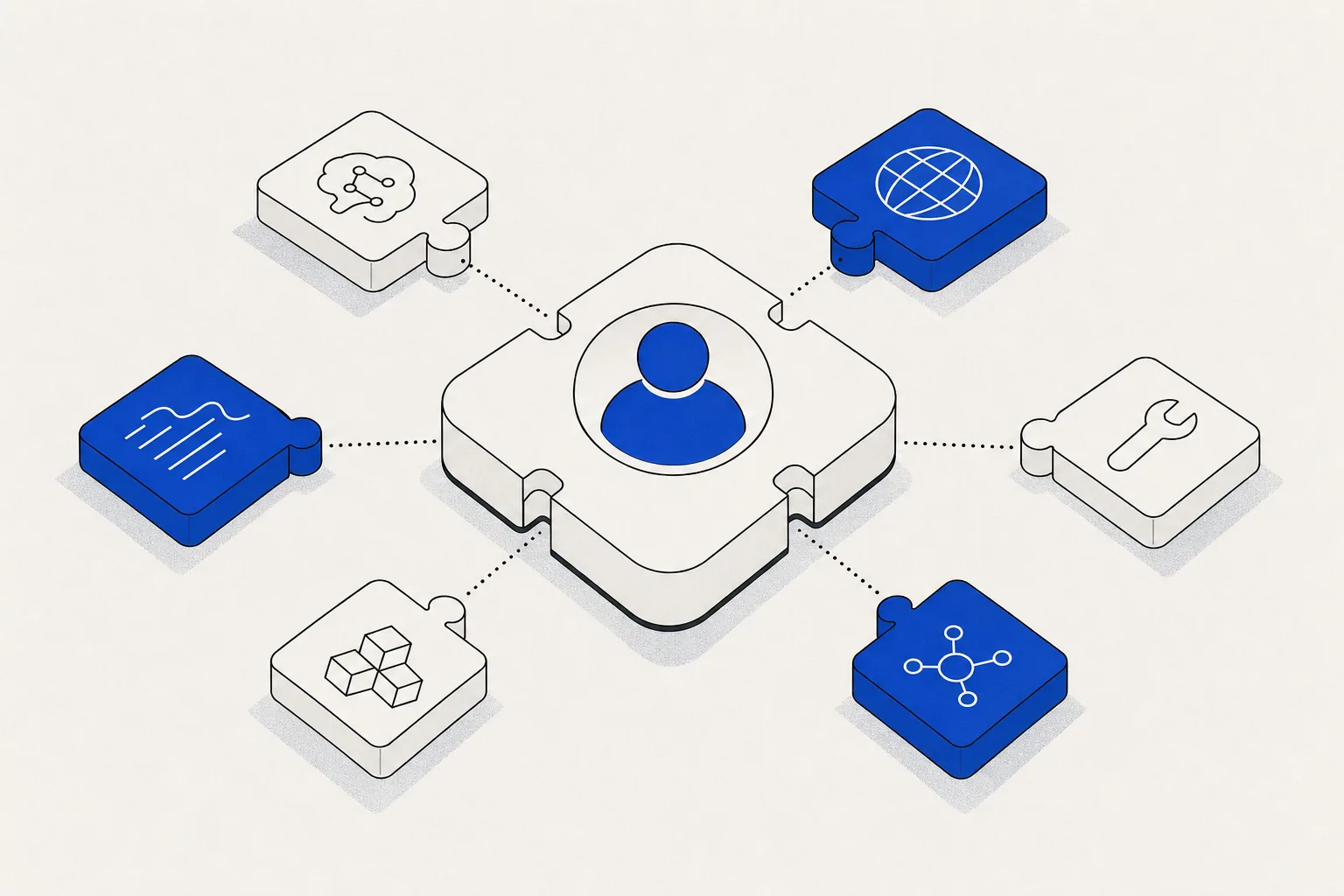
An OpenClaw skill is a manifest that tells the agent when to call something, plus an implementation that does the work.
That’s the whole model. When an agent is planning a response, it reads every installed skill’s manifest — name, description, input schema, permissions — and decides whether to call it. You write the manifest once; the agent handles invocation.
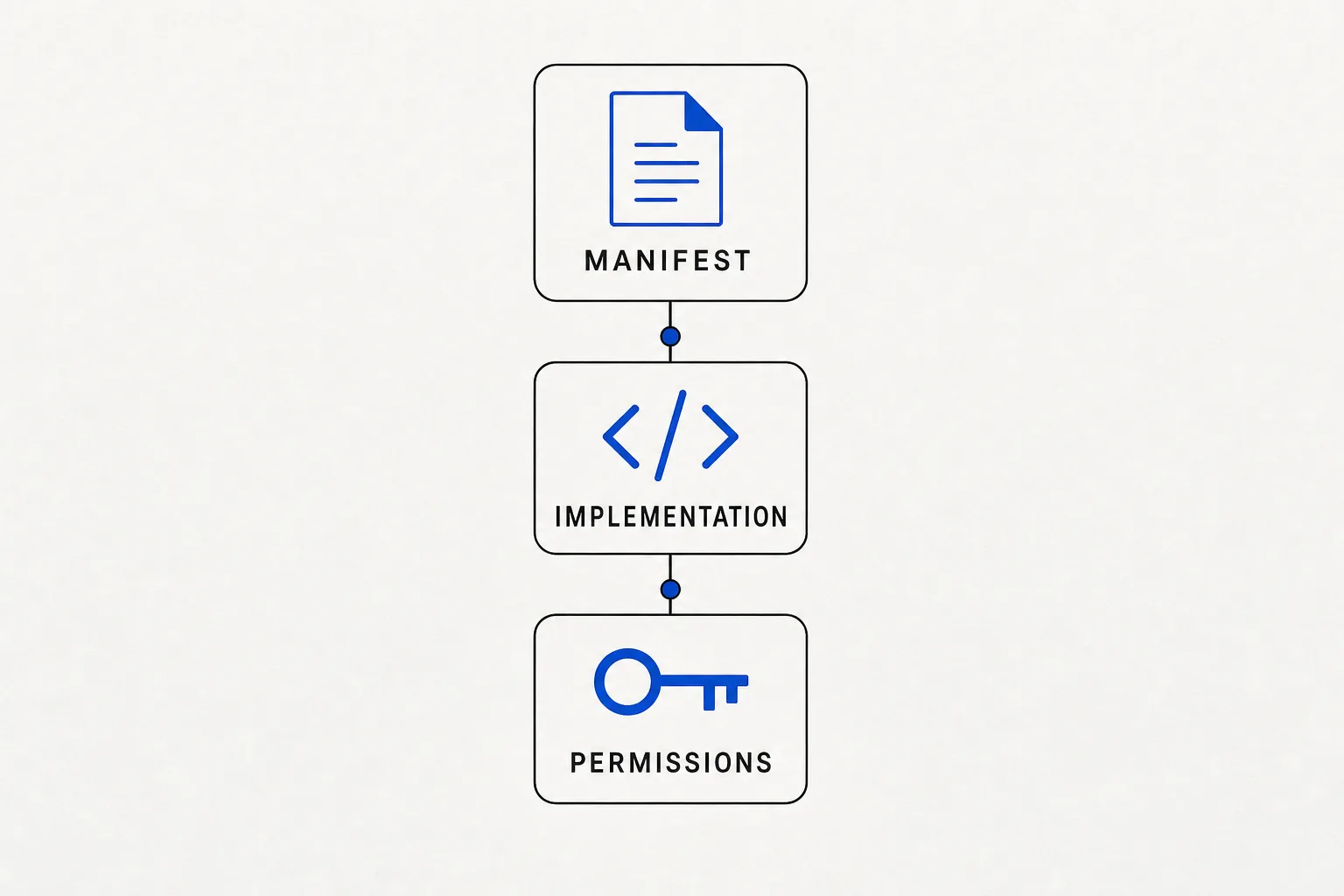
Three parts every openclaw skill has:
- Manifest — name, description, JSON Schema for inputs and outputs, declared permissions
- Implementation — the TypeScript (or JS) that runs when the agent calls the skill
- Permissions — explicit declarations like
"net"or"env:STRIPE_KEY"that gate what the skill can touch (more on why this matters)
Where to find them: the skills hub and beyond
- Official registry —
registry.openclaw.ai, maintained by the OpenClaw team, reviewed for security - awesome-openclaw skills — community-curated GitHub list at
github.com/openclaw/awesome-openclaw, organized by category; 300+ entries as of this writing - In-app openclaw skills hub — the Skills tab inside your OpenClaw dashboard; one-click install, shows install counts and last-updated dates
- Direct GitHub install — any repo following the standard skill structure (
manifest.json+index.tsat root) can be installed via URL from Settings → Skills → Install from URL
I usually start with the in-app openclaw skills hub for the common ones, then reach for awesome-openclaw skills when I need something category-specific.
10 skills to install on day 1
These are the 10 I drop into every fresh OpenClaw instance before touching anything else.
-
web-search— Queries the web and returns ranked results. Why install it: agents with no web access can only reason about their context window; this one line of capability turns a closed-box agent into a researcher. -
web-fetch— Fetches a URL, strips HTML, returns clean text. Why install it: pair it withweb-searchand you have the complete “find a thing, read the thing” loop that 60% of research tasks need. -
gmail— Read threads, search by query, label messages, send email. Why install it: every business workflow eventually touches email; this is the cheapest integration to install and the one agents reach for most. -
slack— Read channels, post messages, react, DM users. Why install it: if your team is on Slack, agents need a way to surface outputs to humans; this skill is that bridge. -
linear— Create issues, update statuses, query open work. Why install it: agents that can’t write back to your issue tracker are read-only observers; this makes them team members who can actually close loops. -
notion— Read and write pages and databases. Why install it: most teams have at least one Notion database that doubles as a source of truth; without this skill, agents can’t touch it. -
stripe— Read customers, subscriptions, invoices, and payment methods. Why install it: any agent handling billing questions needs read access to Stripe before it can say anything useful. -
google-sheets— Read and write cells, append rows, read named ranges. Why install it: Sheets is the lowest-common-denominator data store; nearly every ops workflow has at least one sheet it depends on. -
browser-use— Drives a real Chromium instance: click, type, scroll, screenshot. Why install it: anything without a clean REST API — legacy web apps, portals, SaaS tools that don’t publish webhooks — requires a browser; this is the skill that covers that gap. -
telegram— Send and receive Telegram messages, handle commands. Why install it: Telegram bots are the fastest way to put an agent in someone’s pocket; I’ve shipped entire ops workflows where Telegram is the only interface a founder touches.
How to write a custom openclaw skill
The registry won’t cover every workflow. When it doesn’t, custom skills take under an hour to write if you follow the pattern.
Manifest first. The description is the most important field — the agent uses it verbatim to decide whether to call your skill.
{
  "name": "send-invoice",
  "version": "1.0.0",
  "description": "Issue an invoice via the internal billing system. Use when a customer needs to be charged outside the standard subscription flow — not for subscription renewals.",
  "input": {
    "type": "object",
    "properties": {
      "customerId": {
        "type": "string",
        "description": "Stripe customer ID, format cust_xxxx"
      },
      "amountCents": {
        "type": "integer",
        "description": "Charge amount in cents, e.g. 4900 for $49.00"
      },
      "description": {
        "type": "string"
      }
    },
    "required": ["customerId", "amountCents", "description"]
  },
  "permissions": ["net", "env:BILLING_API_KEY"]
}
Implementation. Keep it thin — validate, call, return, throw on failure.
// skills/send-invoice/index.ts
import type { SkillInput } from "@openclaw/sdk";

interface Input {
  customerId: string;
  amountCents: number;
  description: string;
}

export default async function sendInvoice(input: SkillInput<Input>) {
  const { customerId, amountCents, description } = input;

  if (!customerId.startsWith("cust_")) {
    throw new Error(
      `customerId must be a Stripe customer ID (starts with cust_), got: ${customerId}`
    );
  }

  const res = await fetch("https://billing.your-company.com/invoices", {
    method: "POST",
    headers: {
      Authorization: `Bearer ${process.env.BILLING_API_KEY}`,
      "Content-Type": "application/json",
    },
    body: JSON.stringify({
      customer_id: customerId,
      amount_cents: amountCents,
      description,
    }),
  });

  if (!res.ok) {
    const body = await res.text();
    throw new Error(`Billing API ${res.status}: ${body}`);
  }

  const data = await res.json();
  return { invoiceId: data.id, status: data.status };
}
Four rules that make a skill actually ship-ready:
- Description precision. Vague descriptions (“send invoice”) produce wrong-context calls. Include when to use the skill and when not to — the agent reads the whole string.
- Strict schema. If
amountCentsacceptsany, you’ll eventually get"49.00"(a string) and your billing API will 400. Use"type": "integer"and the agent will coerce or refuse before calling. - Informative errors.
Error: invalid inputteaches the agent nothing.Error: customerId "xyz" not found — verify the customer exists before issuingtells the agent exactly what to try next. - Idempotency on write paths. Agents retry on transient errors. If your skill creates a resource, design it so a second call with the same inputs either returns the existing resource or fails loudly — never doubles the side effect.
Skills you should NOT install on day 1
The community registry is large and most of it you don’t need yet.
- Write-path skills without guardrails — read-only integrations are safe to install broadly; anything that can mutate production data (delete-file, send-mass-email, run-sql) should wait until you have approval logic in the skill itself.
- Heavy local-binary skills — ML model runners, image-generation pipelines, and video processing skills add gigabytes to your setup and get called less than once a week on most installs.
- Redundant browser automation —
browser-useandplaywrightdo the same thing; pick one or your agents will flip between them and you’ll spend an afternoon debugging why sessions aren’t persisting. - LLM-wrapper skills — a skill that calls GPT-4 inside an OpenClaw agent is almost always a sign that the manifest description is doing too little work; the agent you already have can reason, it just needs better instructions.
- Any skill with
"permissions": ["*"]— that wildcard exists for prototyping, not production; installing it broadly is how credentials leak.
When to hire me to build a custom skill
Build it yourself if: the API is documented, the workflow is single-step, you have an engineer with a free day.
Hire me if:
- The integration needs multi-step orchestration (fetch → transform → write → notify)
- You need it in production within a week
- The skill touches payments, auth, or customer data and the failure cost is high
- You’ve already tried and the agent keeps calling it wrong
Fixed-fee, fit-or-refund. Book a scoping call — 30 minutes, I’ll tell you exactly what it takes.
— Yoann